A cloud phone
An Android phone that runs remotely. You control it online, so you do not need to maintain a physical device for every task.
AcctFarm gives you remote Android phones and automation tools for Gmail account creation, Instagram, TikTok, YouTube and Spotify. Choose a product, enter the required details and quantity, then follow every running device and result from one dashboard.
An Android phone that runs remotely. You control it online, so you do not need to maintain a physical device for every task.
A tool that performs a supported action on the assigned phones after you provide the required information and quantity.
The place where you start products, manage phones and proxies, watch progress, review errors and collect finished results.
Each product has its own settings, device controls, progress screen and saved results. Available actions depend on the product and your plan.
Create Gmail accounts across separate Android cloud-phone profiles with proxy, verification, monitoring and export controls.
View Gmail CreatorRun supported account creation, profile, posting and engagement actions on assigned Android phones.
Included with eligible plansConfigure supported TikTok viewing, profile and engagement actions, then monitor completion across devices.
Included with eligible plansRun supported viewing, watch-time, subscription, like and comment actions from remote Android phones.
Included with eligible plansSet up supported listening sessions, playlist follows, saved tracks and playback preferences at the quantity you need.
Included with eligible plansTell our team which supported platform and action you need. We will review whether a custom automation can be built.
Discuss your requirementsYou do not need to install a server or operate a room full of phones. Everything is managed from your AcctFarm account.
Compare plansSelect the plan that matches the number of cloud phones and automation products you need. Access starts after payment is confirmed.
Select Gmail, Instagram, TikTok, YouTube or Spotify. Add the quantity and any account, proxy, content or verification details requested by that product.
AcctFarm assigns available phones and begins the supported action. Watch live status, then review successful results, errors and available exports.
Your dashboard connects each action to its assigned devices and keeps important details together.
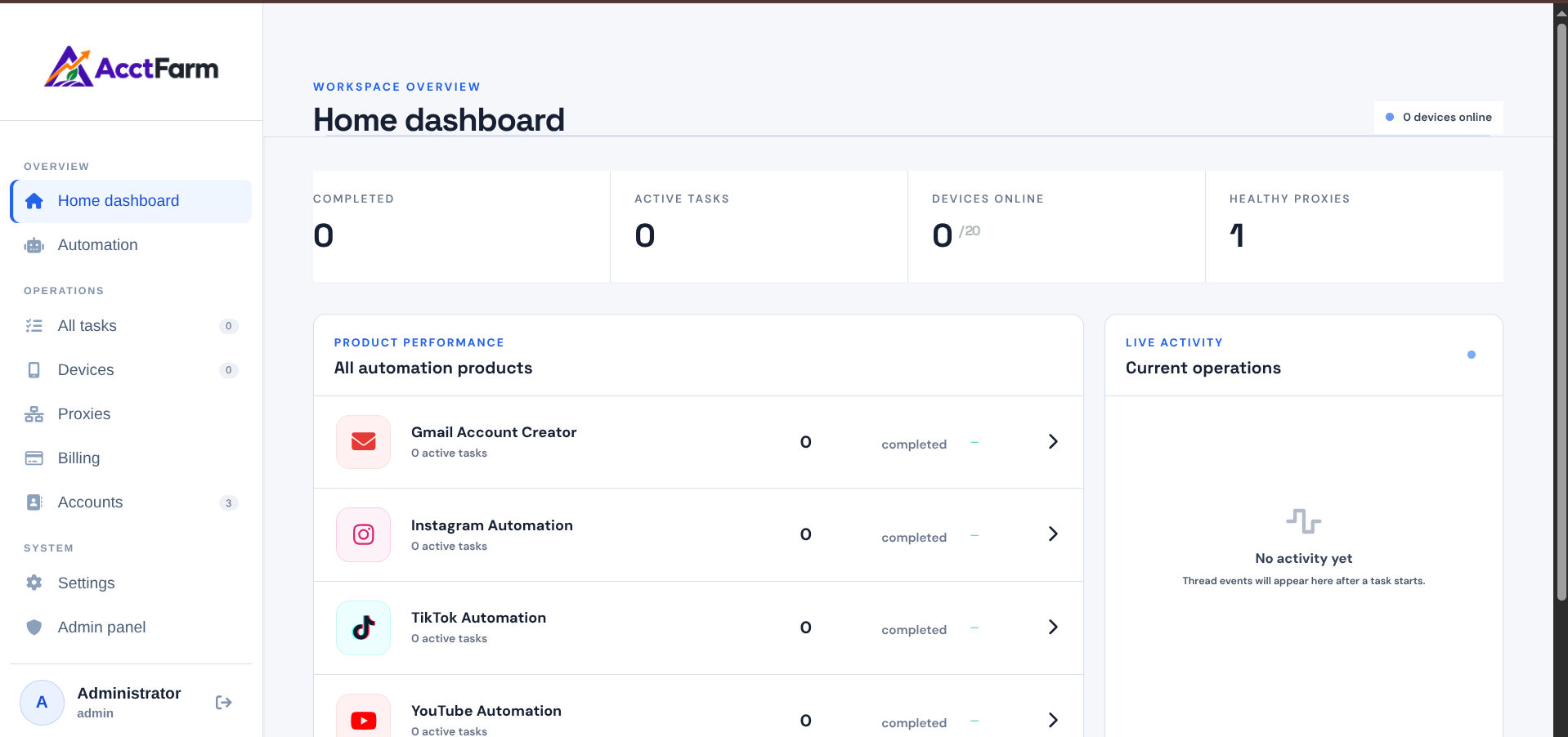
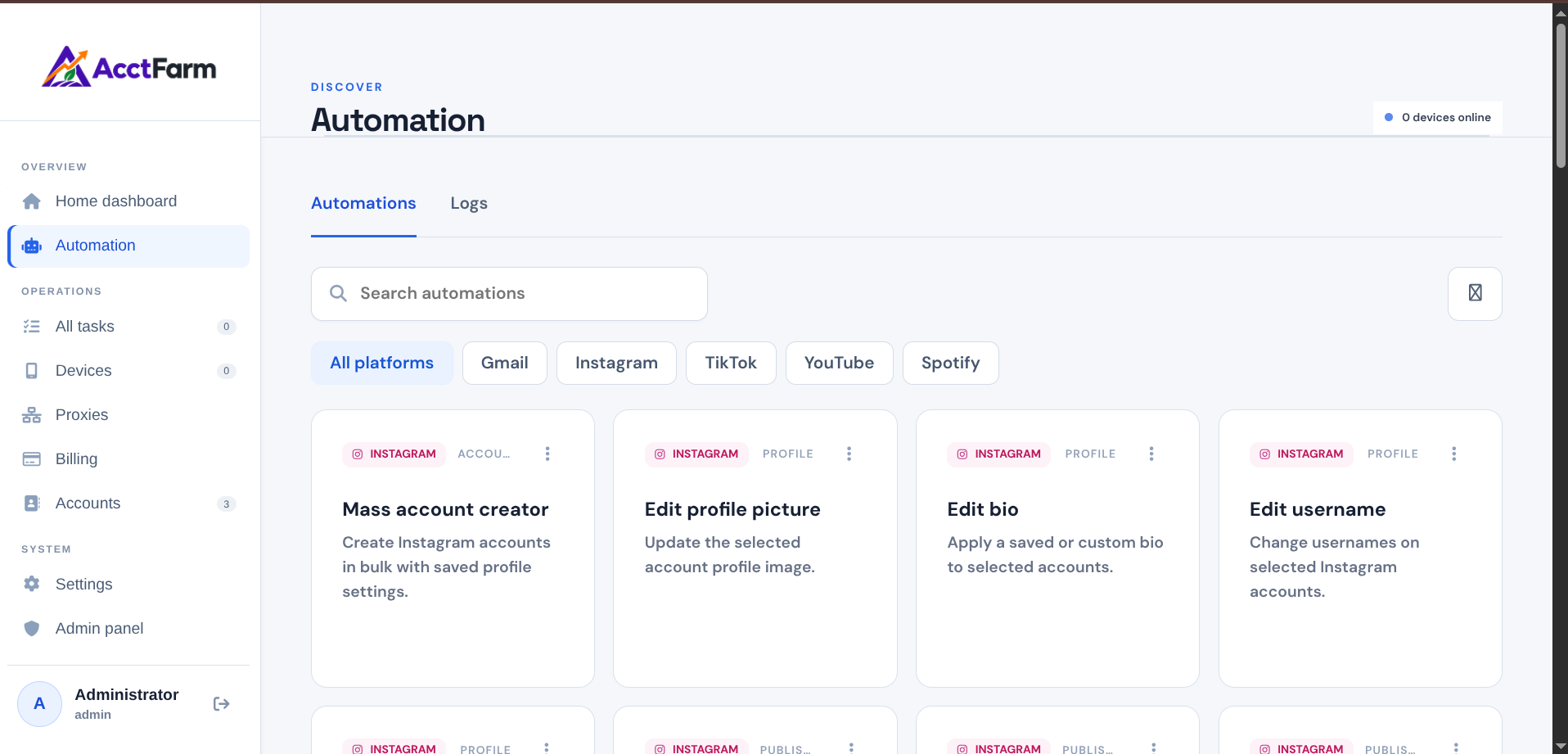
These screens show the product library and the settings customers use to prepare an action before it starts.
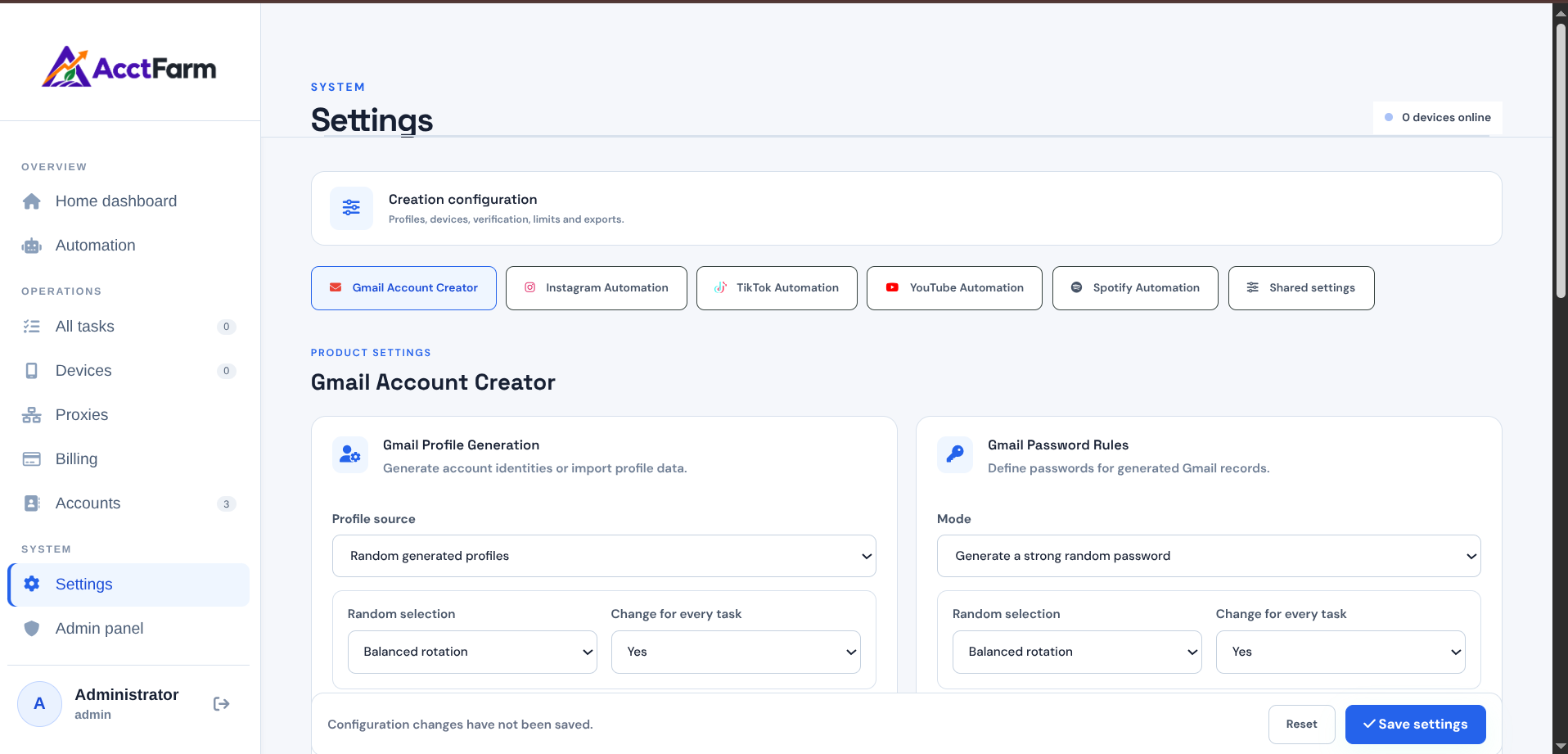
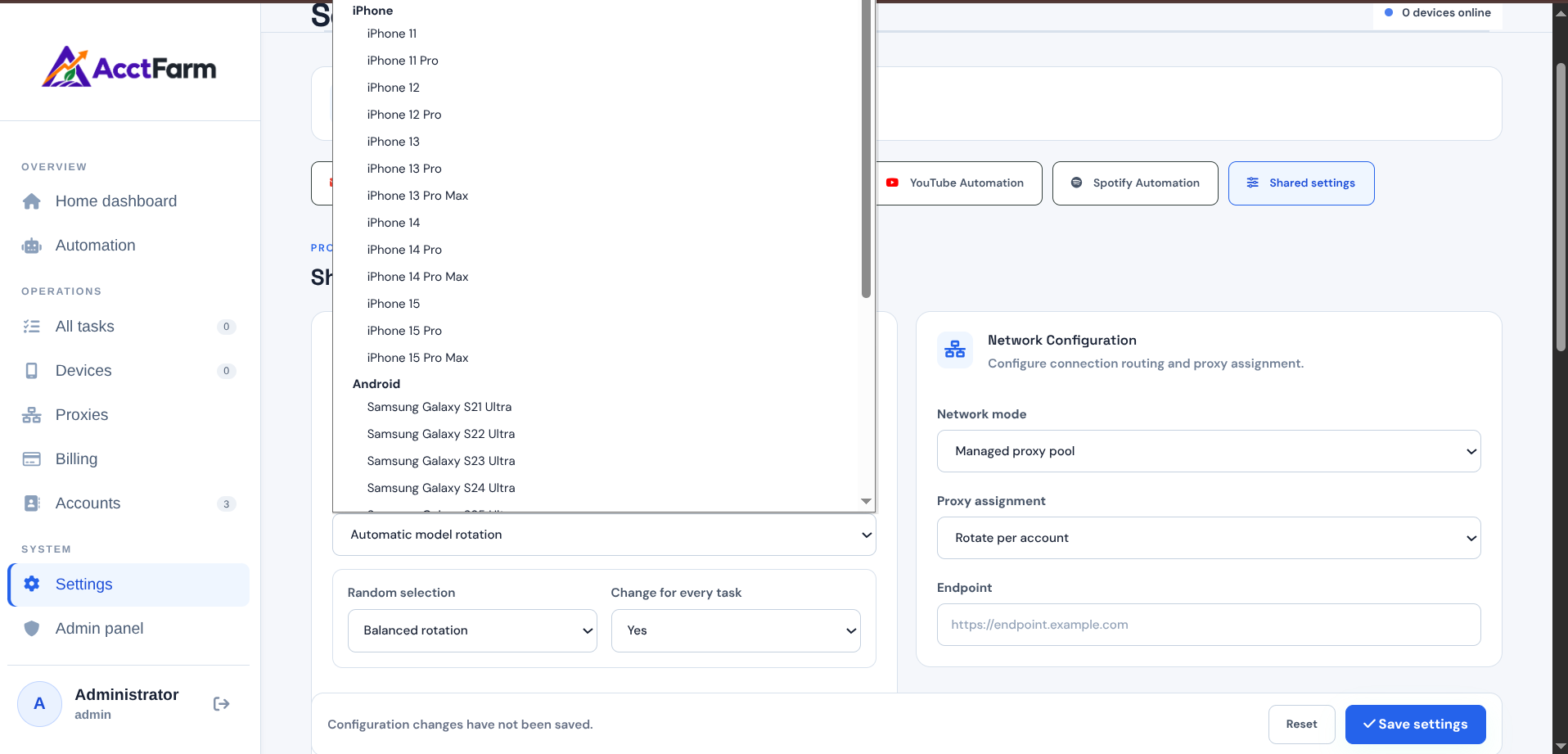
AcctFarm is designed for legitimate business and operational use of supported products. You remain responsible for following each platform's rules and applicable laws.
Experiences shared by customers using AcctFarm products and cloud-phone services.
“The dashboard is clean, fast and very easy to understand.”
“A polished workspace for organizing device-based automation workflows.”
Choose the channel that works best for you. Speak with support directly or join the community to stay informed.
Send account, payment, subscription or setup questions and include any details our team may need.
support@acctfarm.comGet fast help with account access, payments, setup and technical questions from our support team.
Chat on WhatsAppGet product updates, coupon announcements, maintenance notices and the latest bug-fix releases.
Join Telegram groupLearn about plans, payments, cloud phones, product access and support.
Still need help? Contact supportAcctFarm brings cloud phones, automation tasks, accounts, proxies, activity logs and billing into one organized workspace.
Yes. You can move between available plans as your device fleet and automation requirements change.
AcctFarm provides supported automation for Gmail account creation, Instagram, TikTok, YouTube and Spotify. Available actions depend on the product and subscription plan you select.
Yes. AcctFarm uses dedicated Android cloud phones to run supported actions automatically. The number of phones available to your account depends on your plan.
No. AcctFarm does not currently offer a free trial. Access starts after you choose a plan and your payment is confirmed.
Sign in, open a supported product, choose an available action, enter the required details and quantity, then start. AcctFarm assigns available cloud phones and reports progress in your dashboard.
Yes. You can add supported SOCKS5, HTTP or HTTPS proxies and assign them to devices or accounts where the selected automation supports proxy use.
Your dashboard keeps live progress, successful results, errors and saved account information together. Products that support exports also provide downloadable result files.
The Gmail Bot plan includes Gmail Creator access only. Pro, Scale and Enterprise include Gmail Creator with the other available automation products.
Your subscription begins only after the payment provider confirms your payment. You can then sign in and open the products included in your plan.
Use the Support page or email support@acctfarm.com for help with your account, payment, subscription or product setup.
Compare plans first, then create your account and complete payment when you are ready. Access begins after payment is confirmed.